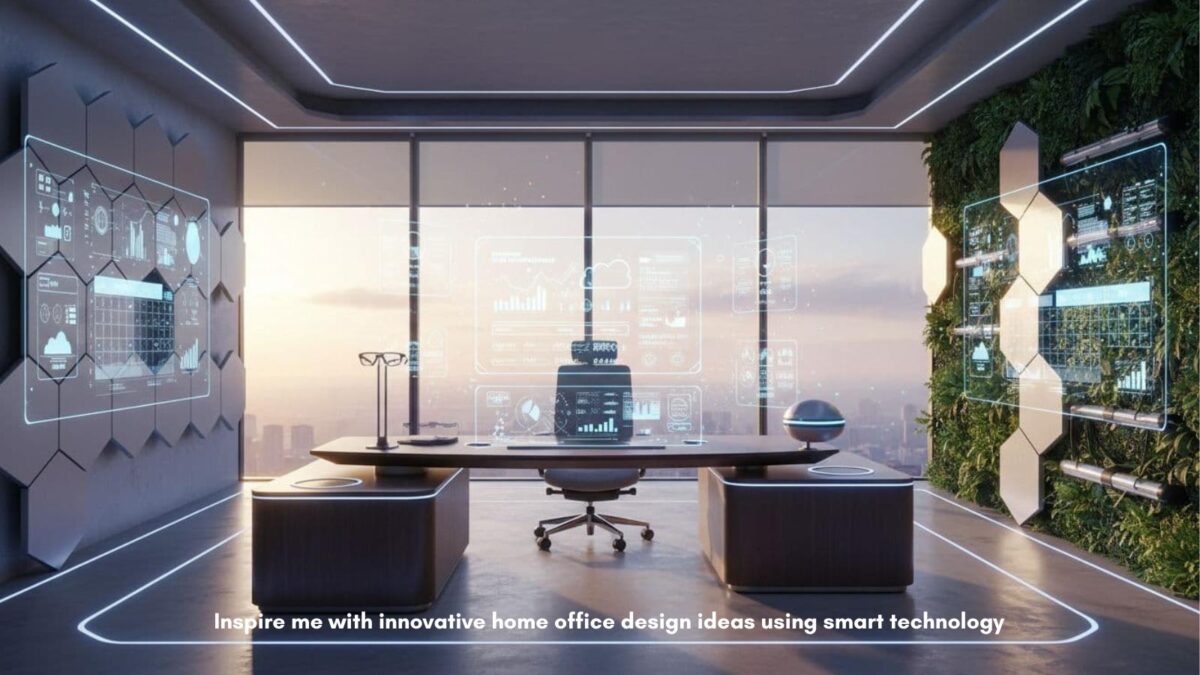
You sit down to work, and the room fights you. The lighting is harsh, the desk is buried in cables, and the Wi-Fi drops right when a client starts talking numbers. Add a barking or snoring dog, a loud dishwasher, or kids in the next room, and your “office” feels more like a stress test.
Now, picture the opposite. The lights warm up as you start your day, your calls sound clear, and the room stays comfortable without you touching a thing. Your desk looks calm, your gear charges in one spot, and your workspace feels like a place where real work happens.
If you’re a small business owner, that difference matters. Better focus means better output, and better calls mean more trust. This post will inspire me with innovative home office design ideas using smart technology and practical upgrades that fit small spaces and don’t require a full remodel to transform your space.
Table of Contents
Inspire Me with Innovative Home Office Design Ideas Using Smart Technology
Start with a smart foundation, lighting, sound, air, and layout that help you focus
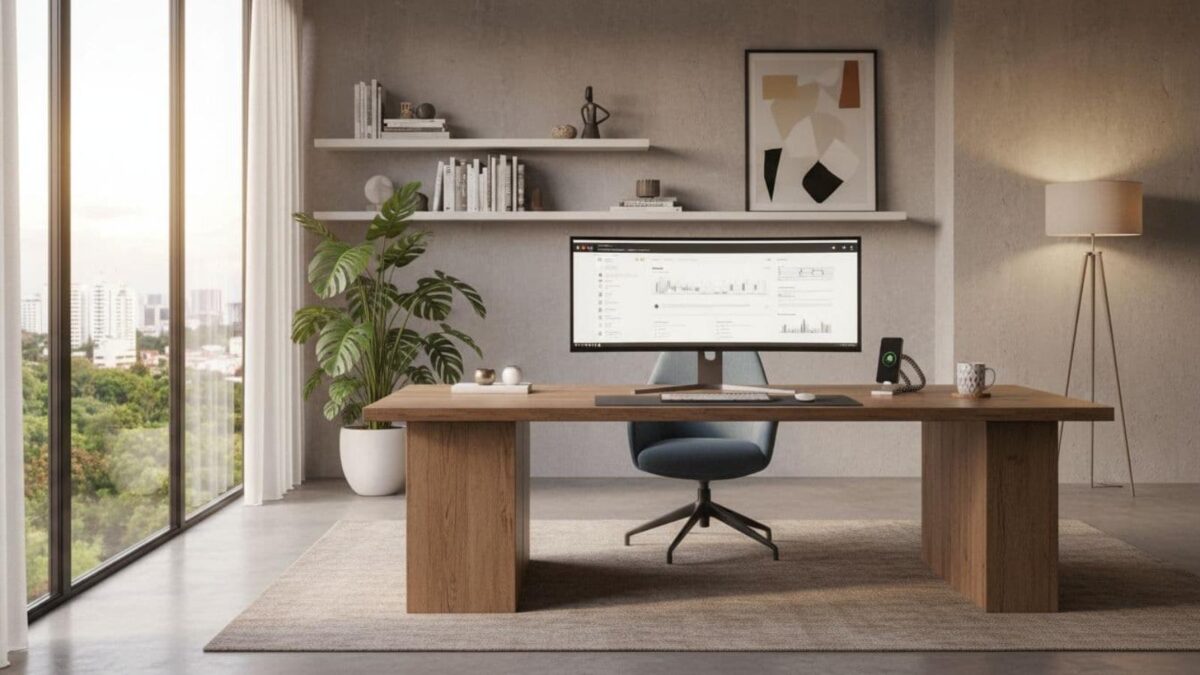
Smart tech works best when the room supports it. Before you buy new gadgets, set your office up like a quiet studio: stable lighting, controlled sound, clean airflow, and a layout that makes calls easy.
Start with your camera angle and background. Face a wall or bookcase that looks tidy on video, and leave a little space between you and the background so you don’t look glued to it.
If you can, place your desk so daylight hits from the side, not from behind you, because backlighting makes you a shadow on calls.
Temperature Control
Air comfort matters more than most people admit. If your office runs hot, you’ll get restless. A small smart fan, a smart thermostat schedule, or even a temperature sensor that triggers a fan can help you stay steady through deep work blocks.
If odors or stale air build up, a basic air purifier on a schedule can make the room feel “fresh” without you having to think about it.
Finally, decide where “work” ends. Even in a corner office setup, you can create a boundary with a rug, a small shelf, or a screen. It’s not about looks, it’s about giving your brain a clear signal: when you sit here, you’re on.
Layered smart lighting that matches your schedule (focus mode, call mode, end of day)
One overhead light is like trying to cook dinner with only a flashlight. You want layers and control.
A simple stack that works in most home offices:
- Tunable white bulbs or light bars: Set cool, brighter light for mornings and detail work, then warmer light later so you don’t feel wired at 9 p.m.
- Bias lighting behind your monitor: A soft light behind the screen reduces eye strain and makes the desk feel calmer.
- Voice or app scenes: Create “Focus,” “Call,” and “End of day” scenes so you don’t have to adjust sliders every time.
Quick placement tips that make a big difference:
- Keep lights out of your direct line of sight to avoid glare on your screen.
- For video calls, add a front light (a small lamp or light bar) so your face is lit evenly.
- Use a task lamp aimed at your keyboard or notebook, not at the monitor.
The best part is automation by time of day. Set your focus lighting to turn on before you start work, switch to call lighting during your usual meeting window, then dim at the end of the day.
You stop managing your lights, and you start feeling supported by them.
Noise control with smart help, quiet zones, sound masking, and better meeting audio
Noise is the silent profit killer. It disrupts your concentration and makes you sound less professional on calls, even if your work is top-notch.
Start with the low-tech basics, because they still work:
- A rug under your chair cuts the echo.
- Curtains soften hard window reflections.
- A bookcase adds weight and breaks up sound.
Then add smart support. A smart speaker can play low sound masking (think gentle fan noise or soft ambient sound) during focus blocks. Keep the volume low; it should blur distractions, not become one.
Inspire Me with Innovative Home Office Design Ideas Using Smart Technology for Meetings
For meetings, your audio gear matters more than your webcam. A headset or a small speakerphone with noise reduction can clean up background noise and keep your voice clear. If you take sales calls, this is one of the fastest upgrades you’ll notice.
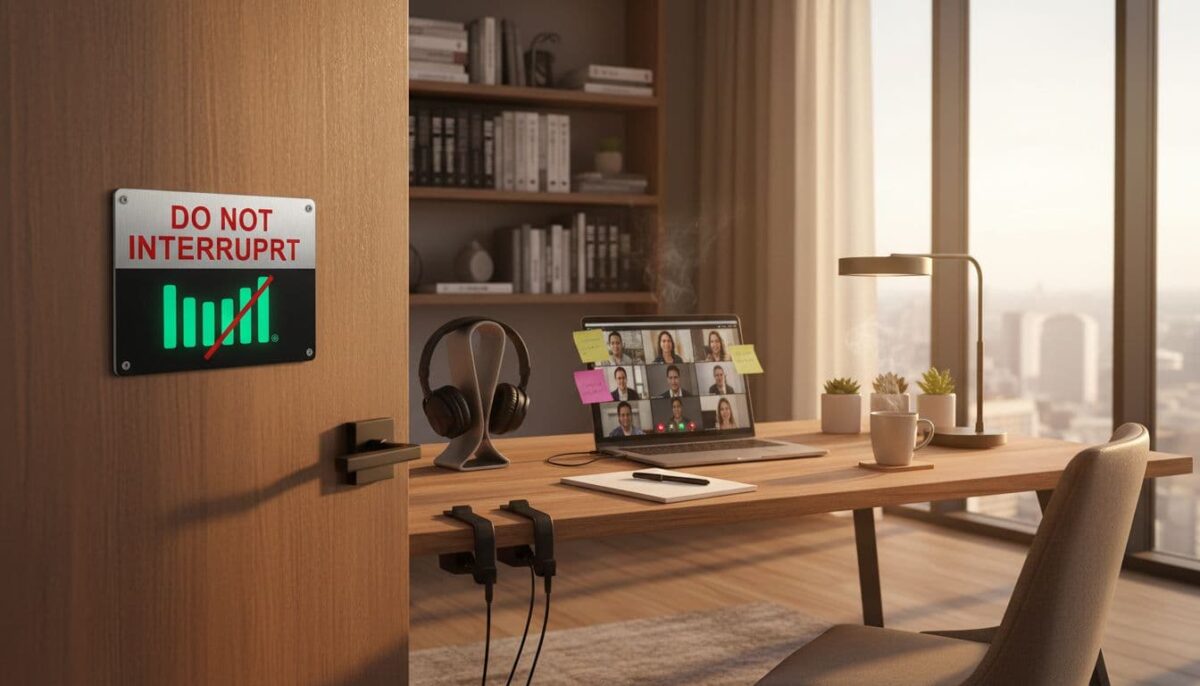
In a shared home, add one simple “do not interrupt” signal. A door sensor can trigger a small smart light outside your office, or send a notification to a family group chat when you start a meeting. It’s a polite boundary that saves you from the mid-pitch knock.
Make your desk work for you with smart ergonomics, clean power, and clutter-free automation
Your desk is where the work happens, so small changes have an outsized impact. The goal is fewer aches, fewer micro-delays, and fewer moments where you’re hunting for the right cable while a client waits.
Start by clearing your “action zone,” the space from your keyboard to the edge of your desk. Keep only what you touch daily. Everything else should have a home, even if it’s just one drawer.
Next, think in routines. If your setup makes the right behavior easy (standing up, charging gear, ending work), you’ll do it without willpower. That’s where smart tools earn their keep.
Inspire Me with Innovative Home Office Design Ideas Using Smart Technology for Meetings with a Healthier Set-Up
If your back or neck hurts, your workday gets shorter. A smart sit-stand desk can remind you to change positions, or you can add an on-desk controller and use timer-based switches. You’re not trying to be perfect, you’re trying to avoid three straight hours in the same posture.
If you don’t want new furniture, use what you already carry: your phone or smartwatch. Set gentle reminders to stand, stretch, or do a quick lap. Pair that with a few simple ergonomic wins:
- Put the top of your monitor near eye level.
- Use an external keyboard and mouse if you’re on a laptop.
- Add a footrest (even a sturdy box works) to reduce leg strain.
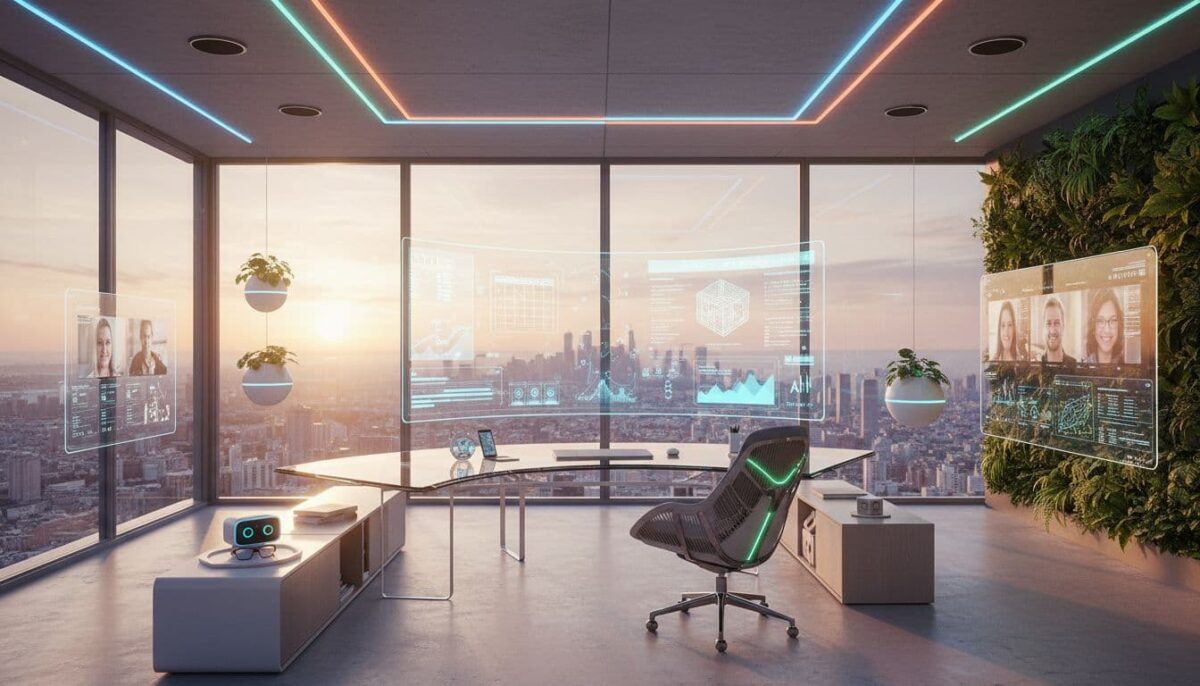
When your body feels better, your attention lasts longer. That’s not a productivity trick, it’s basic comfort.
Cable control and smart power that cuts clutter and protects your business
Cables are visual noise. They also cause real problems, such as routers unplugging and dying batteries mid-call. Build a basic power plan once, then stop thinking about it.
Start with three pieces:
- A quality surge protector for your desk gear.
- A smart plug (or smart power strip) that can shut down non-essential items at the end of the day.
- A simple cable tray under the desk lifts cords off the floor.
Label your chargers. Even a small tag that says “tablet” or “mic” saves time. Then set up a “one drawer charging zone,” a single drawer with a small multi-port charger inside. Drop devices in, close the drawer, and your desk stays clean.
If your income depends on calls, payments, or shipping labels, consider a small UPS battery backup for your modem, router, and main computer. Short outages happen, and staying online for even 15 minutes can save a client conversation.
Build a smart work system that runs itself, security, networking, and automations you will actually use
Smart offices aren’t about showing off. They’re about being dependable when a client needs you. Your systems should reduce mistakes, protect your work, and save minutes that add up fast.
Keep privacy simple and practical. Use strong passwords, turn on two-factor authentication where you can, and avoid putting always-on cameras in places you don’t need them. If a device has a mic, know how to mute it.
Trust comes from consistency, not from fancy gear.
Reliable Wi-Fi and backup internet so calls and payments do not fail
If your internet is unstable, everything feels harder. Place a mesh node near your office if your router is far away, and prioritize work devices in your router settings if your system supports it.
For video calls, wired Ethernet is still the most reliable option. If that’s not possible, keep the router off the floor and away from thick walls or large metal objects.
Have a basic backup plan. A phone hotspot might be enough for most solopreneurs. If your business truly can’t pause, you can look into dual internet options, but many people don’t need that level right away.
Simple automations that make you feel organized (start work, in a meeting, done for the day)
Automations should feel like helpful habits, not homework. Use one platform you already have (Apple Home, Google Home, or Alexa), and keep it small.
Three recipes that work in real life:
- Start work: Turn on the focus lighting, turn off the music, and start a 50-minute focus timer.
- Meeting mode: Switch to brighter front lighting, enable do not disturb, then mute the smart speaker.
- End of day: Dim lights, shut down desk extras with a smart plug, set your morning alarm.
When your office “snaps” into the right mode, you waste less energy deciding what to do next.
Conclusion: Inspire me with innovative home office design ideas using smart technology
A smart home office should remove friction, not add more buttons to press. When lighting supports your eyes, sound supports your voice, and your desk supports your body, you show up differently in your business day.
Start with one high-impact change, such as a lighting scene, improved meeting audio, or a power and cable cleanup. Then add one small automation that runs in the background.
With the right smart setup, your workspace can feel professional even at home, and you’ll feel ready for clients the moment you sit down.

I’m Lisa Sicard, founder of Inspire To Thrive.
Small Biz Tipster is my dedicated space for straightforward, no-nonsense tips that help small business owners grow smarter and faster. Voted in the Top 100 Small Business Blogs by Feedspot for 2025 and 2026, and with over 30 years of hands-on digital marketing experience, I share simple strategies here so you can save time on social media, attract more customers, and focus on what you love — running your business. Through Inspire To Thrive, I also provide social media management, training, and consultations.