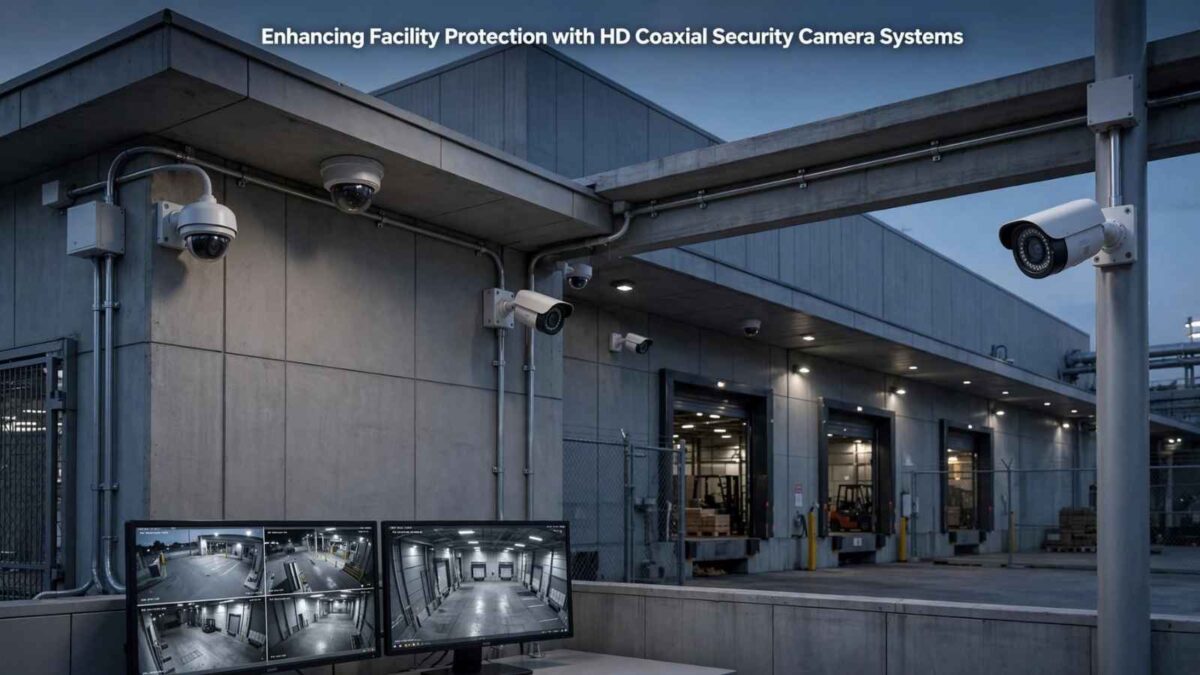
A facility camera system should provide clear, usable footage without forcing a business to replace wiring that still works while enhancing facility protection. HD coaxial technology meets that need by sending high-definition video through coaxial cable to a digital video recorder, commonly called a DVR.
This setup can suit small offices, retail stores, warehouses and multi-unit properties. It offers familiar installation methods, centralized recording and practical upgrade options.
The key is matching the equipment to the building, coverage goals to enhance facility protection, and daily operating needs.
Table of Contents
How HD coaxial systems work
Each camera connects to a DVR through coaxial cable, while a separate connection typically supplies power. The DVR receives the video, stores recordings, and provides access via a monitor or a compatible app. Depending on the equipment, the same cabling may also carry audio or camera control signals.
The system’s image quality depends on the cameras, DVR resolution, and installation conditions. A high-resolution camera won’t produce its best footage if the recorder accepts a lower resolution. Cable condition also matters. Crushed sections, loose connectors and poorly made terminations can cause interference or signal loss, so inspect existing cable before reusing it.
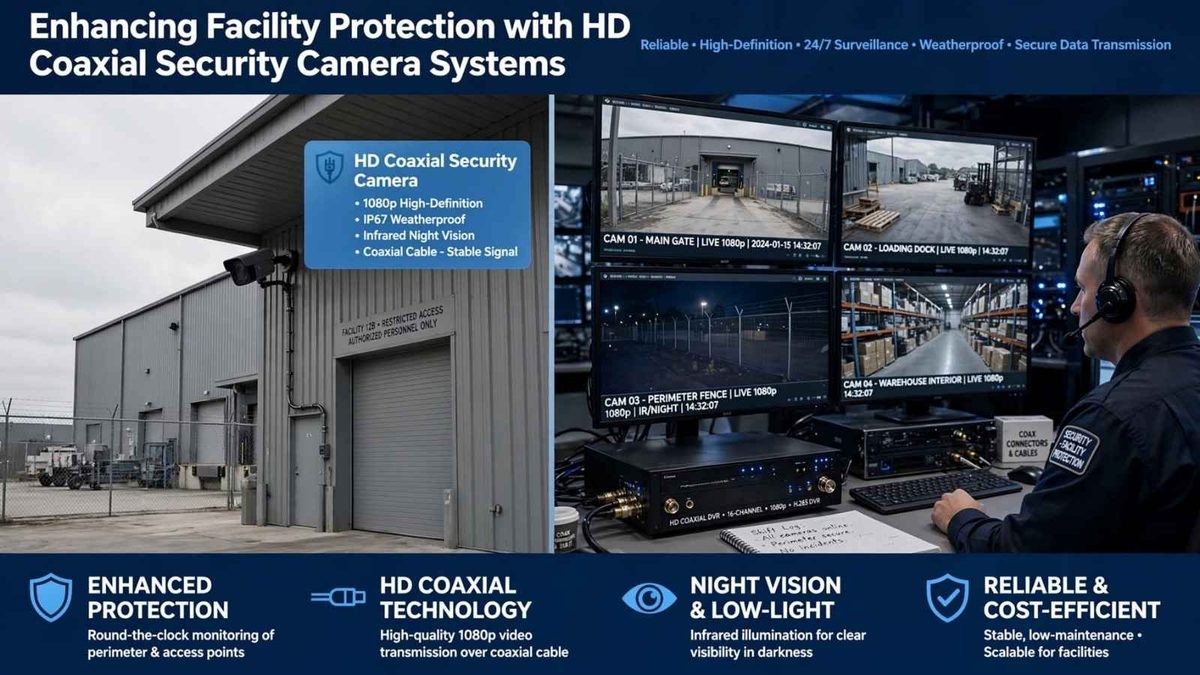
When an HD coaxial upgrade makes sense
An upgrade can be cost-effective when a facility already has usable coaxial wiring. Keeping those cable runs reduces installation time and limits disruption to finished walls, ceilings and customer areas. Businesses comparing HD coaxial security camera systems should confirm camera resolution, DVR channel capacity, storage options and support for features such as human or vehicle detection.
Plan for future expansion as well. If the property currently needs eight cameras, a 16-channel DVR could leave room for a loading area, a new entrance, or a remodeled sales floor. DIY installation may work for a small, single-story site, but complex cable routing and elevated mounting points may require professional help.
Map coverage before buying equipment for Enhancing Facility Protection
Walk through the facility and mark the specific areas that need visibility. Entrances, transaction points, inventory rooms, and exterior access routes often take priority.
Place cameras where they can capture useful identifying detail while avoiding bright windows, direct glare, and physical obstructions.
Camera style should fit the location. Turret models are commonly used under ceilings or overhangs, while bullet-style models provide a clearly directed viewing angle. Built-in microphones may help document activity where audio recording is permitted.
Review video surveillance privacy considerations before recording employees, visitors, or sound, since local requirements can vary. Avoid private spaces and post notices when appropriate.
A coverage map also helps prevent excessive overlap. Two cameras showing nearly the same angle consume storage without adding much information.
Calculate storage and protect the recorder
Recording capacity changes with resolution, frame rate, compression, camera count, and the number of hours retained. Continuous recording from 16 cameras requires much more storage space than motion-based recording from 4 cameras. Ask the supplier for an estimate based on your actual settings, then add a buffer for busy periods when motion events increase.
Keep the DVR in a locked, ventilated location with controlled staff access. A battery backup can allow orderly shutdown during a short outage and protect equipment from abrupt power loss. For wider facility planning, this guide to increase security for small businesses explains how access control, lighting, and staff procedures can support camera coverage.
Set a retention period that reflects operational needs and any applicable insurance or contractual requirements.
Secure access and maintain image quality
Connect remote viewing only after changing default credentials. Use a unique password, enable multi-factor authentication when available, and install firmware updates from the equipment provider. Published guidance on camera system cybersecurity also recommends controlling account permissions and limiting network exposure.
Maintenance should follow a simple schedule.
- Check live views weekly for shifted angles, blocked scenes and incorrect timestamps.
- Clean lenses every few months or more often in dusty areas.
- Once each quarter, retrieve a sample recording rather than relying solely on the live display. This confirms that playback, export and storage functions are working.
- Document camera locations, cable labels and login ownership. When an employee leaves, remove that person’s access promptly.
Test the system under real conditions
A camera layout may look correct during installation but perform differently after sunset or during the busiest hour of the day. Test entrances when sunlight creates backlighting, review exterior footage in rain and check indoor views after normal lighting has been reduced.
Faces, clothing details and vehicle information should remain clear at the distances that matter.
Run a full retrieval exercise before considering the project complete. Pick a time, locate the recording, and export a short clip to an authorized device. Confirm that the timestamp is accurate and the file opens correctly.
A five-minute test can reveal storage errors, confusing menus, or missing permissions before an actual incident requires fast access to footage.

I’m Lisa Sicard, founder of Inspire To Thrive.
Small Biz Tipster is my dedicated space for straightforward, no-nonsense tips that help small business owners grow smarter and faster. Voted in the Top 100 Small Business Blogs by Feedspot for 2025 and 2026, and with over 30 years of hands-on digital marketing experience, I share simple strategies here so you can save time on social media, attract more customers, and focus on what you love — running your business. Through Inspire To Thrive, I also provide social media management, training, and consultations.