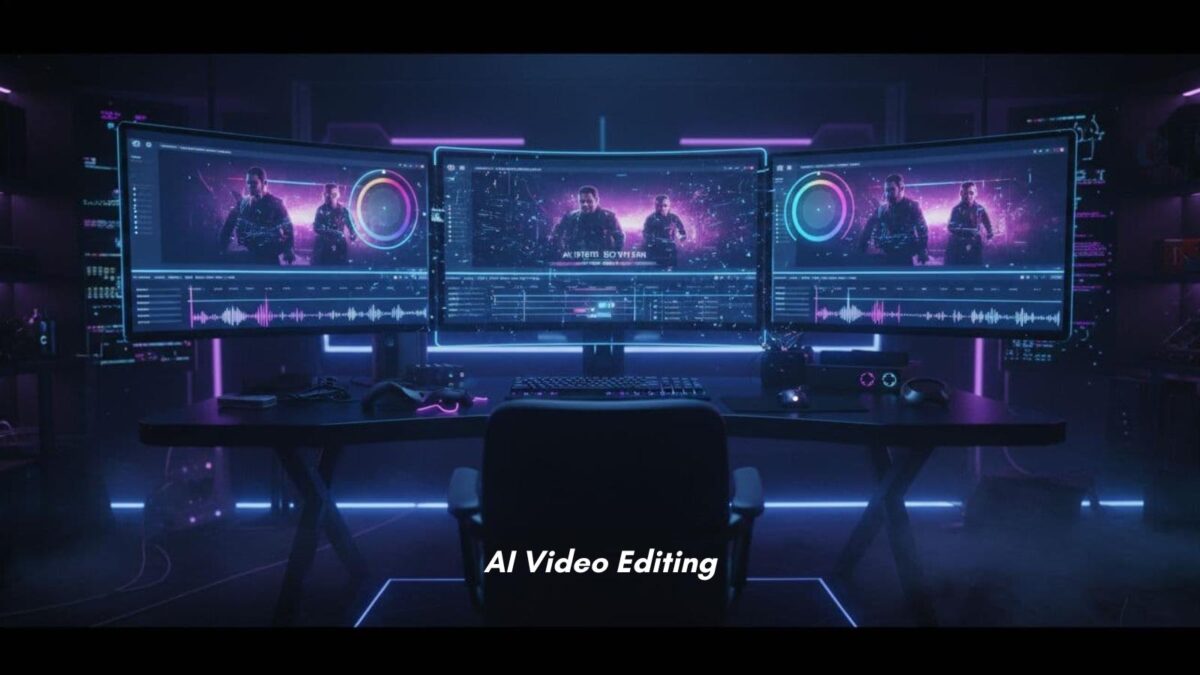
You don’t need a studio team to make better videos anymore. AI-powered video editing using an online video editor now helps you cut clips, clean audio, add captions, and turn one recording into several useful posts in far less time.
That matters when you’re running a business, answering customers, and trying to stay visible online at the same time. You may not love editing, and you may not have hours to spend on it. Still, your videos need to look clear, useful, and professional.
The good news is that your video maker can handle more of the repetitive work, while you stay in charge of the message.
Table of Contents
What AI-powered video editing looks like today
AI in video editing isn’t science fiction. It’s built into many tools you can use right now. In plain terms, it means:
- Software can spot patterns.
- Make simple decisions.
- Speed up tasks that used to take a lot of clicking.
That help shows up in familiar ways. A tool might detect awkward pauses and trim them. It might create subtitles from your voice, perform audio cleanup, or resize your video for Instagram, YouTube videos, and TikTok.
Some apps can even suggest highlight moments from a longer recording.
For a small business owner, that changes the feel of video editing. You’re no longer starting from a blank screen every time. Instead, you’re working with a fast assistant who handles the first draft of the technical work on the timeline.
AI works best when it removes busywork, not when it replaces your point of view.
The editing tasks AI can handle in minutes
Think about the videos you already make:
- Product demos.
- Customer FAQs.
- Quick tips.
- Behind-the-scenes clips.
AI can shorten setup time on almost all of them.

A modern tool can detect silence, remove filler words, apply a background remover, and trim and crop scenes without much effort from you. It can also reduce hum or fan noise and apply basic color fixes so your footage looks more even.
If you record a 10-minute product walkthrough, AI can often pull out the best 20-second or 30-second clips for social posts.
That speed matters because small fixes add up. What used to take an hour can sometimes take ten minutes.
Where AI still needs your voice and judgment
Speed helps, but it doesn’t know your business the way you do. AI can’t fully decide what message matters most to your audience. It also can’t protect your brand voice unless you review the result.
You still need to choose:
- The angle.
- A tone.
- Final flow of the story, ensuring smooth transitions.
If you’re sharing a customer tip, you know what to stress. Suppose you’re explaining a service, you know which claims need to stay accurate.
That’s not a minor detail. It’s the core of trust.
Overuse is also a risk. When every cut feels the same, and every caption style looks copied, your videos can start to feel flat. AI can polish footage with video effects, but only you can make it sound like your business.
Why AI video tools matter when you run a small business
The value isn’t hype. It’s time, cost, and output. If you don’t have an in-house editor, a video maker powered by AI can help you produce more useful video content without turning video editing into a second full-time job.
That matters because video now shows up everywhere. You may need clips for your website, social media, ads, email, and product pages. Without help, one recording can sit unused for weeks.
With AI support, you can turn that same recording into several assets while the idea is still fresh, including exporting tailored versions for platforms like YouTube videos.
As a result, you stay more active online. You also get more mileage from content you’ve already created.
That kind of reuse is a gift when you’re working solo or with a small team, especially for content creators. Instead of video editing each version from scratch, you can start with AI-generated cuts and make quick changes.
So your weekly tip video can become an Instagram Reel, a story clip, and a short section for an email campaign.
You can create more content without spending all day editing
One of the biggest wins is repurposing. If you record a single customer education video, AI can help turn it into short clips, captioned social media posts, and trimmed sections for your site.
You also gain consistency. When the process gets easier, you post more often. And when you post more often, people remember you.
Better videos can help you look more polished and trustworthy
Quality shapes trust. If your audio is rough, your framing is off, or your captions are missing, viewers may leave before they hear your point. AI tools can help fix those weak spots fast, even upscaling to 4K resolution.
- A cleaner sound makes it easier for you to understand.
- Captions help people watch with the sound off.
- Smart framing keeps your face or product centered. Smoother cuts remove that choppy, homemade feel that can distract from what you’re saying.
- Incorporating stock media and royalty-free music takes that professional edge even further.
For service businesses, coaches, local shops, and personal brands, that polish matters. You don’t need your videos to look like TV ads. You need them to feel clear and credible.
AI can help you get there without spending a big production budget, empowering you to produce professional videos.
How to use AI in video editing without losing your brand
The best way to use AI is simple: treat it like an assistant. Let it handle repeatable tasks, then step in for the choices that shape how your business sounds and looks.
That’s where beginners often get the best results. You don’t need to rebuild your whole process in one week. Start small with a user-friendly online video editor that runs in your browser with no download required.
Notice where time disappears, and hand those parts to the tool first.
Start with repeatable tasks that waste your time
Begin with the chores you do over and over. Captions are a good start. Silence removal is another. So is resizing the same video for different platforms by changing the aspect ratio.
If you post a weekly tip video, perhaps captured with a screen recorder, test AI there first. Let it clip highlights, create subtitles, generate text-to-speech voice-overs, and build a draft for social using video templates.
Then compare that workflow to your usual process. You may find that one feature saves enough time to make video editing more sustainable.
Keep the test narrow at first. A small win is easier to repeat.
Review every export so the final video still sounds like you
AI can move fast, but it can also miss details. Captions may spell a product name incorrectly. A cut may land too early. A highlight clip may remove the context that makes your advice useful.
Voice-overs may sound off, and an unwanted watermark could appear.
Before you post, watch the video once with sound and once without it during exporting. Check names, branded terms, and timing.
Look at the first few seconds and ask yourself if they sound like something you’d say to a real customer.
Fast editing helps. Careful review protects your brand.
Conclusion: Video Editing
AI-powered editing works best when it saves you from repetitive tasks, not when it makes every video feel generic. You still bring the judgment, the facts, and the human tone that people remember.
Pick one feature to test this week, maybe captions, silence removal, short clip creation, or text-to-speech. Then measure one thing: did it save time, improve quality, or help you publish sooner?
That’s how better video editing starts to fit your business, rather than slowing it down.

I’m Lisa Sicard, founder of Inspire To Thrive.
Small Biz Tipster is my dedicated space for straightforward, no-nonsense tips that help small business owners grow smarter and faster. Voted in the Top 100 Small Business Blogs by Feedspot for 2025 and 2026, and with over 30 years of hands-on digital marketing experience, I share simple strategies here so you can save time on social media, attract more customers, and focus on what you love — running your business. Through Inspire To Thrive, I also provide social media management, training, and consultations.