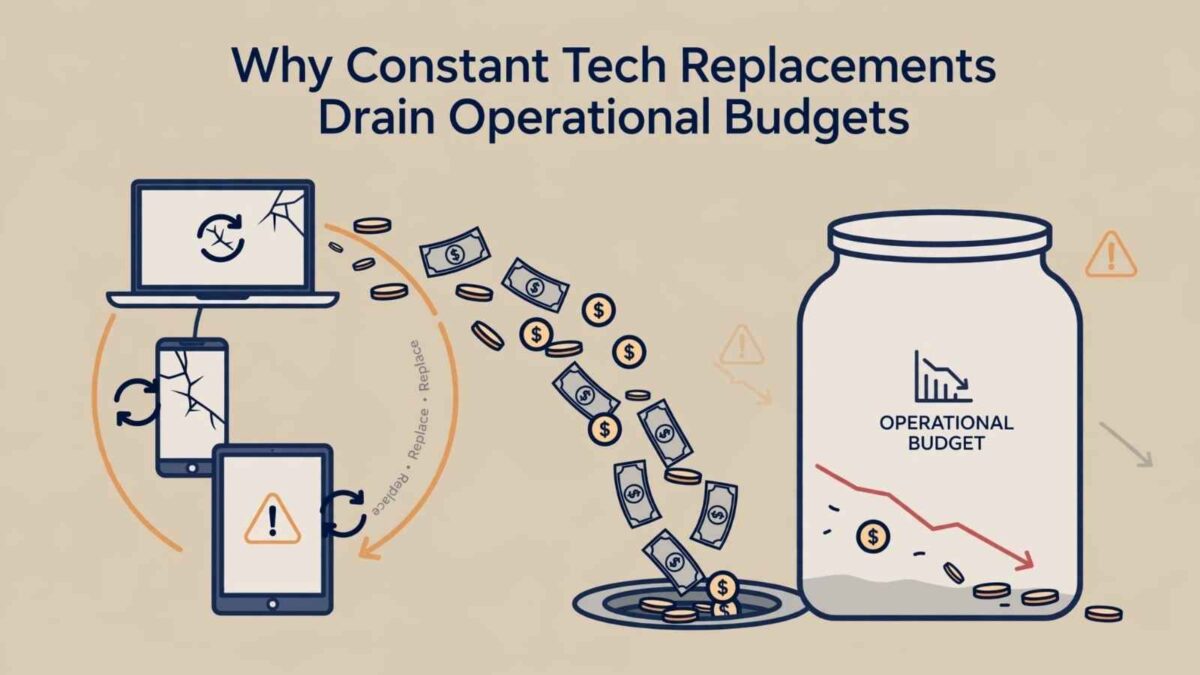
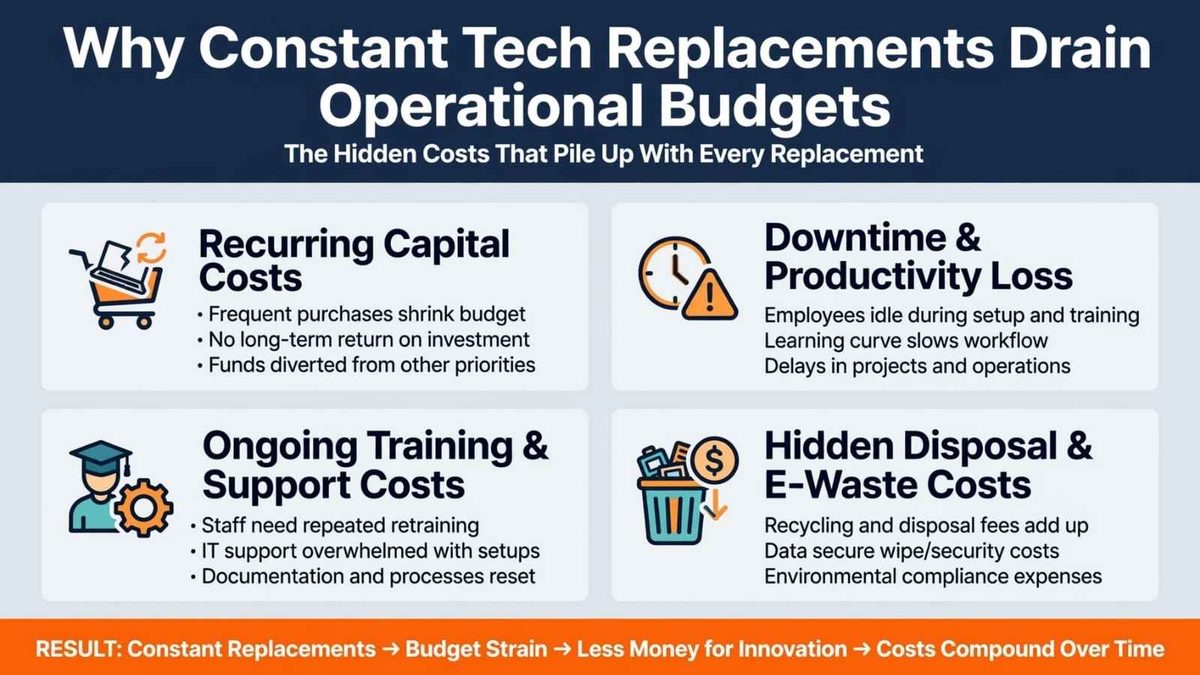
A replacement-first technology policy can quietly consume cash that a growing business needs for hiring, inventory, and customer service. New equipment may promise faster performance, yet purchase prices tell only part of the story. Frequent tech replacements can add to these hidden costs.
Setup time, software configuration, employee training, and accessory changes all add to the bill. A better policy evaluates each device according to its operational value, repair history and effect on daily work.
That gives you a clearer way to control technology spending without keeping unreliable equipment in service for too long.
Table of Contents
The Illusion of Constant Upgrades
Frequent upgrades can feel like responsible management because newer devices often have better specifications and longer support windows. Yet employees may use only a fraction of those added capabilities.
Replacing 20 handheld computers at $1,500 each creates a $30,000 equipment expense before setup and training.
There’s no universal replacement schedule. Guidance on business upgrade timing recommends considering performance, security, and compatibility rather than relying solely on a device’s age. Create a technology inventory that records purchase dates, repair costs, and current workloads.
👉 The broader guide to practical tech upgrades can also help you prioritize improvements that solve measurable problems.
Assessing Real Return on Hardware for Tech Replacements
Calculate the full cost of each option before approving a replacement. Include the purchase price, configuration labor, new accessories, software licenses, and training hours. Then compare that total with the cost of repairing the existing unit and keeping compatible equipment in place.
For example, a warehouse scanner with a worn keypad may still run every required application. In that case, a service such as Zebra MC9200 industrial scanner repair could preserve an established workflow at a lower cost than fleet replacement. Track downtime as well.
👉 A cheap repair loses its value if the same unit fails repeatedly, delays shipments, or requires scarce replacement parts every few months.
Extending the Life of Essential Handhelds
A basic maintenance routine can prevent minor problems from becoming expensive failures. Assign employees specific handhelds when practical, provide approved cleaning materials, and inspect charging contacts, screens, and keypads on a set schedule.
Protective cases and properly placed charging stations can also reduce drops, moisture exposure, and damaged connectors.
Old equipment shouldn’t remain in use automatically. The costs of outdated technology can include slower work, support interruptions and security concerns. Set clear retirement triggers, such as:
- Repeated failures within six months.
- Unavailable software updates.
- Repair costs that exceed an agreed-upon percentage of the replacement cost.
- Check with online tech support services if available.
Those rules keep decisions consistent across departments.
Sustainable Habits for Growing Businesses
Build technology spending into a rolling three-year plan, so replacements don’t arrive as surprise emergencies. Group devices by operational importance, then keep a small pool of tested spares for equipment that directly affects receiving, inventory counts, or order fulfillment.
This approach reduces the pressure to buy whatever is available after a failure.
Review maintenance records every quarter and look for patterns associated with a single location, accessory, or work process. Several damaged charging ports may indicate poor cable placement, while frequent screen damage may warrant stronger cases.
When a device reaches retirement, document the reason and update your purchasing standards. A replacement should address that specific failure pattern, giving the next device a better chance of earning its full value.
Do you often have tech replacements for your small business? I’d love to hear about it in the comments below.
FAQ: How To Avoid The Costs of Tech Replacements
Why do constant tech replacements drain operational budgets?
They add hidden costs beyond the purchase price: setup time, software configuration, employee training, new accessories, and workflow disruption. These expenses pull cash away from hiring, inventory, and customer service.
When should a business repair equipment rather than replace it?
When the device still handles its required tasks reliably, and the full cost of repair (plus downtime) is lower than the cost of replacement. Track repair history, failure patterns, and operational impact before making a decision.
What are practical ways to extend the life of handhelds and scanners?
Assign devices to specific employees when possible, use protective cases, inspect charging contacts/screens/keypads on a schedule, provide proper cleaning supplies, and place charging stations carefully to reduce drops and connector damage.
How do I know when it’s time to retire a device?
Set clear triggers, such as repeated failures within six months, unavailable software updates, or repair costs exceeding a set percentage of the replacement cost. Document the reason so the next purchase addresses the actual problem.
How can growing businesses better plan their technology spending?
Create a technology inventory, calculate total cost of ownership for each option, group devices by operational importance, keep a small pool of tested spares for critical equipment, and review maintenance records quarterly as part of a rolling three-year plan.
Disclosure: This Small Biz Tipster blog post may contain affiliate links. I may earn a commission from qualifying purchases at no extra cost to you. Some sections were drafted with AI tools and carefully reviewed/edited by me.

I’m Lisa Sicard, founder of Inspire To Thrive.
Small Biz Tipster is my dedicated space for straightforward, no-nonsense tips that help small business owners grow smarter and faster. Voted in the Top 100 Small Business Blogs by Feedspot for 2025 and 2026, and with over 30 years of hands-on digital marketing experience, I share simple strategies here so you can save time on social media, attract more customers, and focus on what you love — running your business. Through Inspire To Thrive, I also provide social media management, training, and consultations.